The Flow
- The teacher creates a class league and gives each student a code.
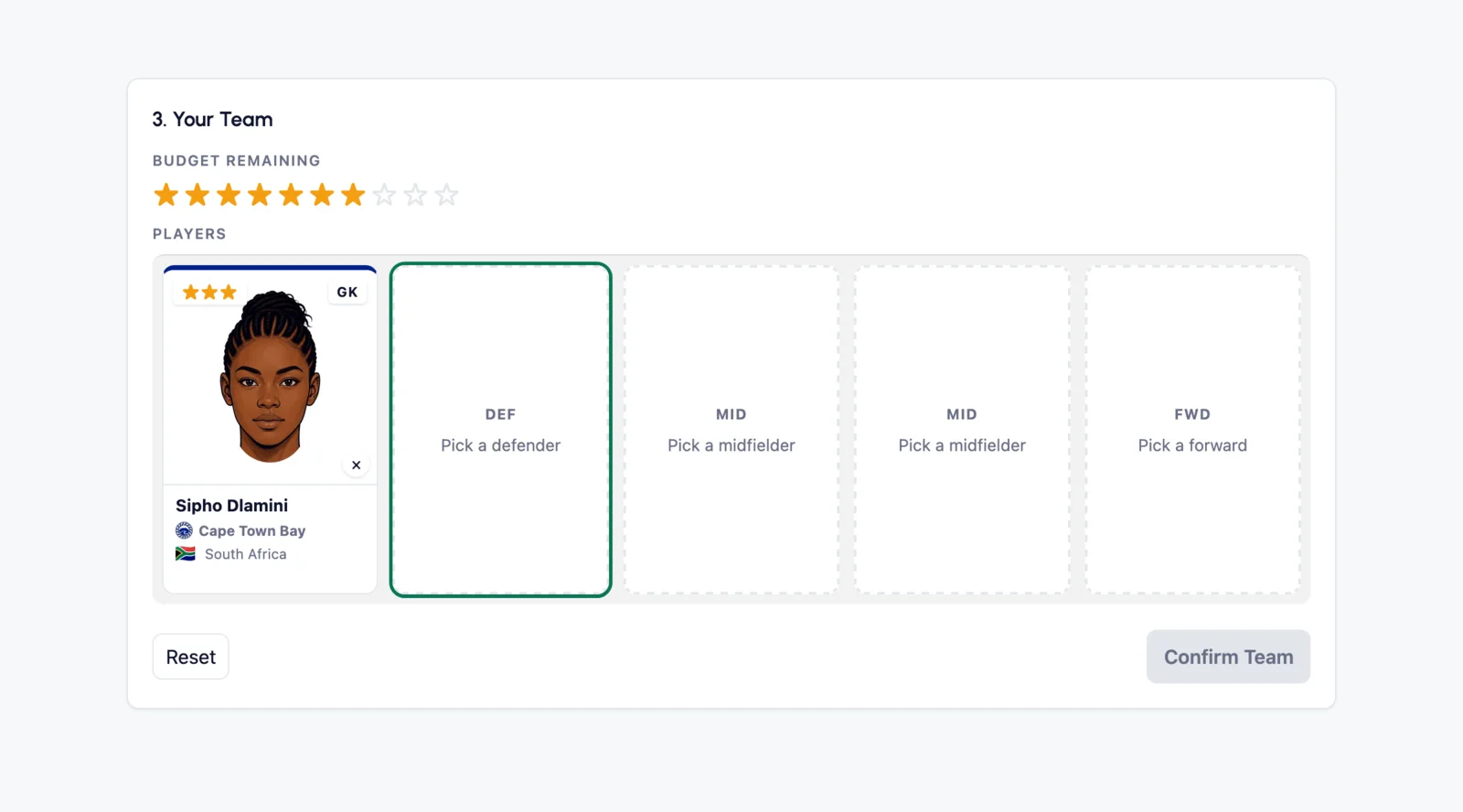
- Students access the site with their code, choose a formation and select five players within their ten-star budget.
- Students also select a club to support. Their wins earn bonus points.
- Whenever the teacher decides, a matchday is played. Four matches are simulated and players earn points for goals, assists, clean sheets and cards.
- The league table updates after every matchday. Top of the table at the end of the season wins.
The simple version
- Students pick players and support a club.
- Simulated matches generate football points.
- Teachers can add classroom points.
- Both feed into the same league table.
Teachers don't need to manage the football side. They choose when to run a matchday and when to award points to students. Class League handles the results, tables and fixtures.
How often should I run a matchday?
As often as you like. A season is 14 matchdays, so two matchdays a week gives you a new season roughly every 7 weeks. One a week is about a season a term.
Short seasons work well. A fresh table gives everyone a new start and keeps the competition alive. When the season ends there is a presentation ceremony, then you can start another. Previous seasons are saved under Past Seasons.
Teams carry over, so nobody has to start from scratch, and every manager gets their 3 trades back to reshape their squad.
Points from Players
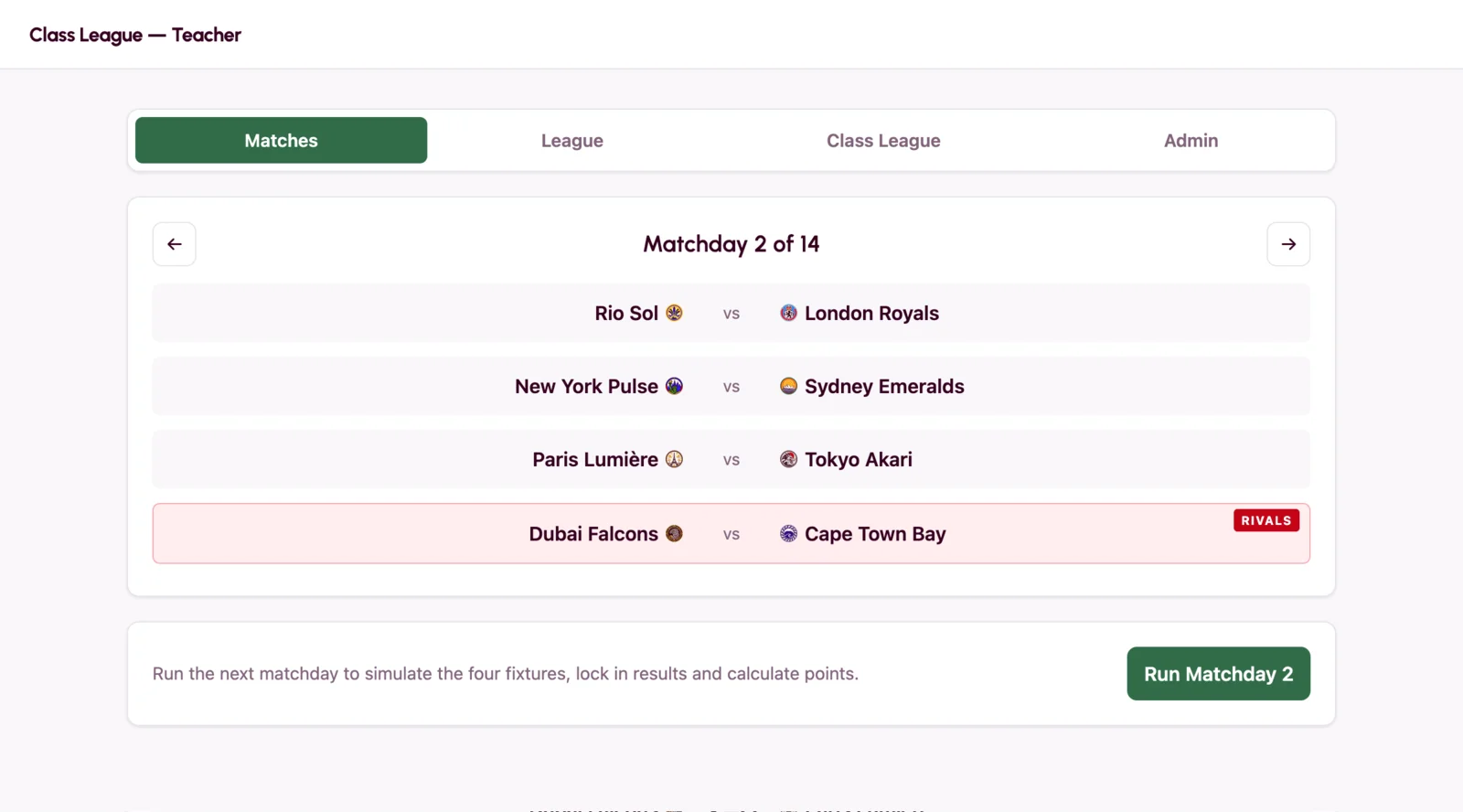
Anything players do in a simulated matchday turns into points.
| What happens | Points |
|---|---|
| Plays in the matchday | +2 |
| Scores a goal | +6 |
| Assists a goal | +3 |
| Clean sheet (goalkeeper or defender) | +4 |
| Clean sheet (midfielder) | +2 |
| Yellow card | -2 |
| Red card | -4 |
A clean sheet is when your player's club lets in zero goals.
(Strikers don't get
clean-sheet
points.)
Now and then a player goes off injured. They stop earning points for the rest of that match, but lose none, and they are fit again for the next matchday.
Points from Teams
Students pick one club to support when they build their team. Every time that team wins a match, the student earns bonus points.
Each team has a rival. Beating them is worth even more.
| What happens | Points |
|---|---|
| Your club wins a match | +3 |
| Your club beats their rival | +5 |
Points from the Teacher
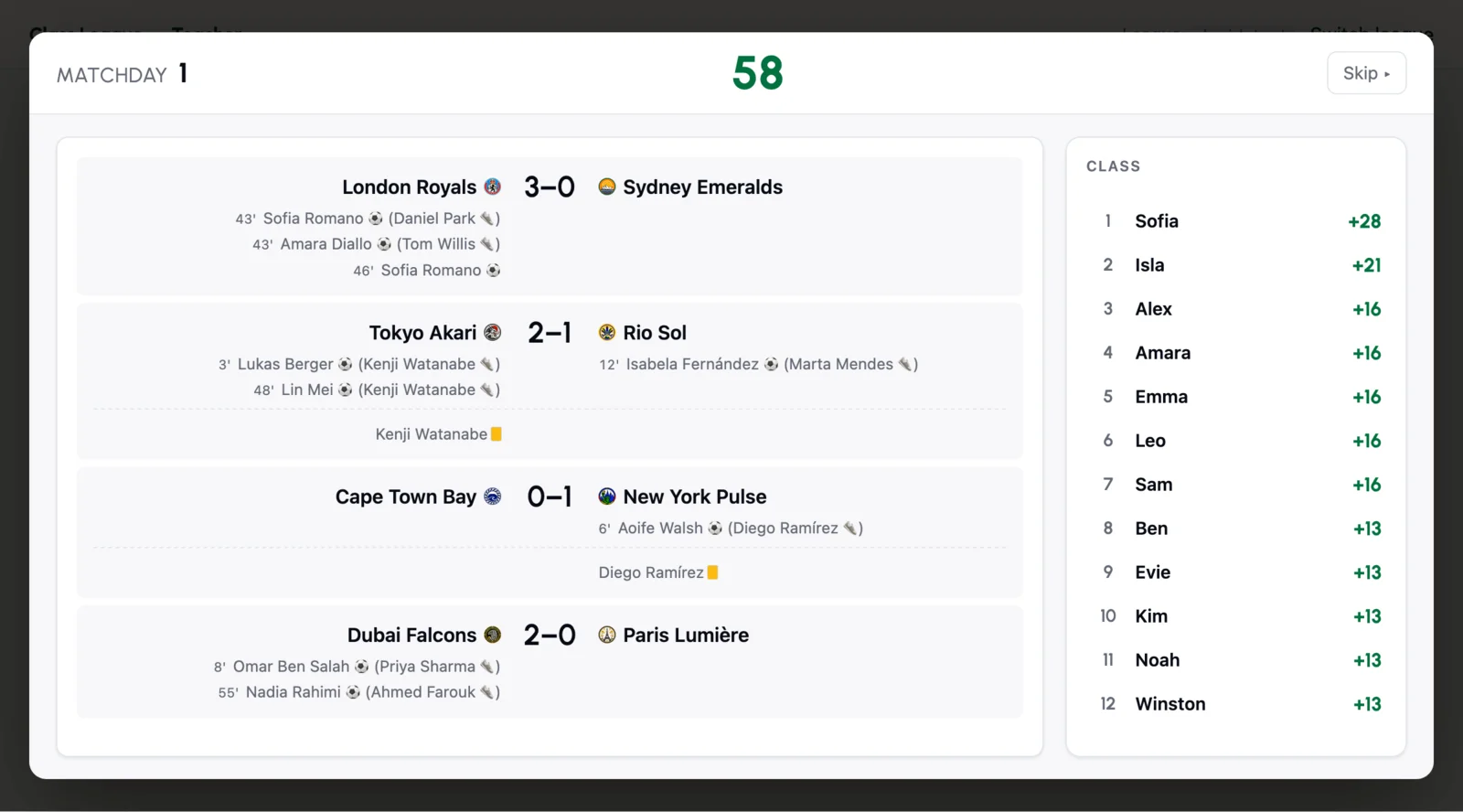
On top of everything happening on the pitch, the teacher can award manager points for things students do in the classroom or beyond. These add to the team total, the same as a goal or a clean sheet.
As manager, each student plays a vital role in the success or otherwise of their team.
Effort, homework, participation, you decide what earns points. Award 1, 3 or 5 at a tap, or type any value up to 99, given or deducted at any point in the season. You can award the whole class at once with the tick box at the top of the student list.
The reasons you tap are yours to change. Under Points Reasons in Settings you can add your own, remove any you never use and word them for your subject, your language or the age of your students. Changing them never alters points you have already given, and one button copies your list to your other classes.
How many points should I award?
There is no right amount. Use whatever works for your class.
If you want a starting point, around 5–10 points per student each week gives classroom effort enough influence to make a real difference to the league.
You can always adjust as the season goes on.
It reaches beyond your own lesson too. If a colleague mentions a student helped at lunchtime or you hear about a good deed outside school, you can reward it just the same.
You can add a short note to any award. Notes are saved against that student for the whole season with the date and the reason, so at report time or parents' evening you have a record of what a student actually did rather than a general impression.
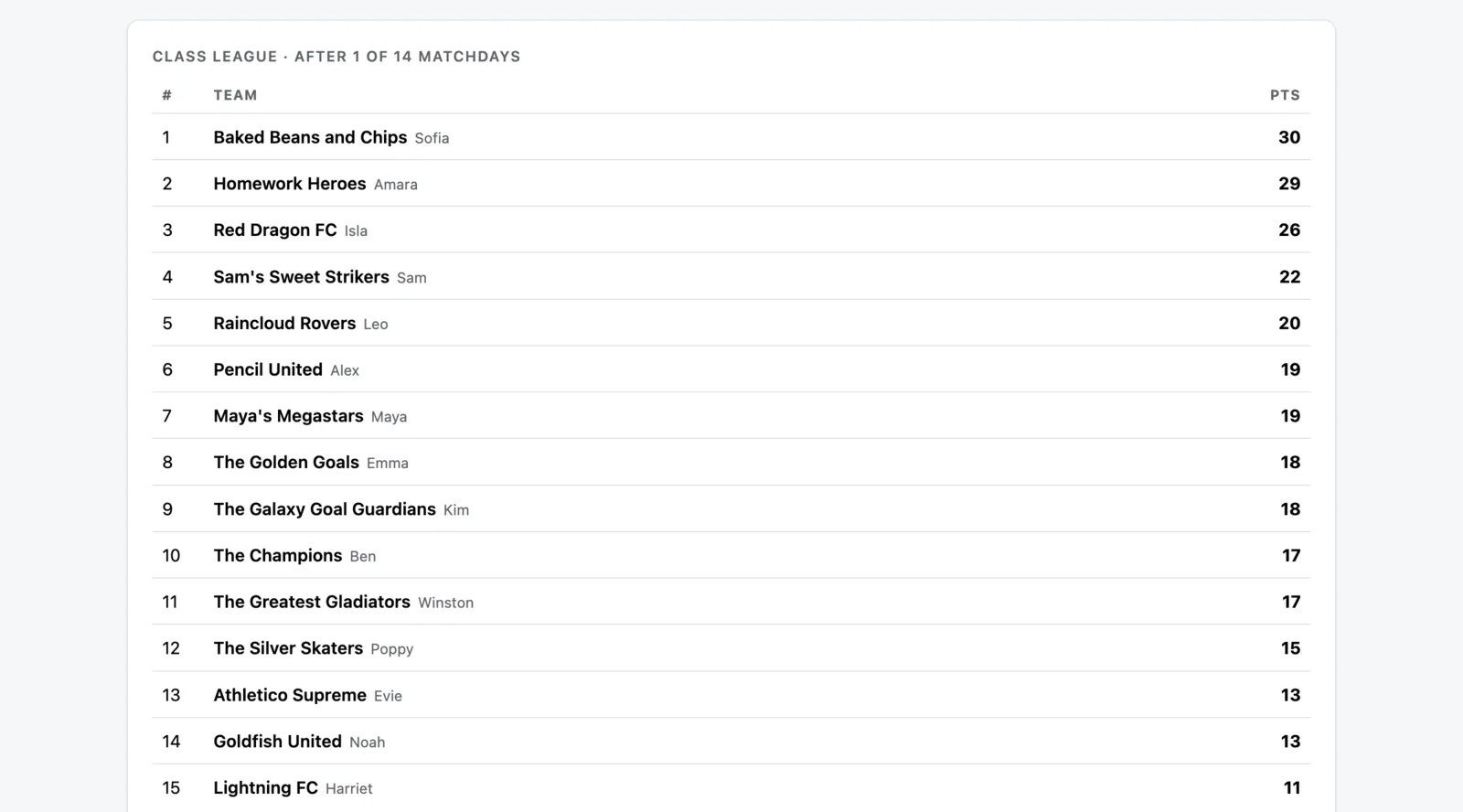
Where are manager points displayed?
On the dashboard, manager points sit in their own column
next to the players' total.
The Top Managers tab ranks the class by manager points alone, so
you
can see who's earned the most individual points.
Sharing a Class
If someone else teaches the same students, you can invite them into the class from Settings. You are both working in the same class and the same league table, not two separate copies, so points either of you award land in the same place and neither of you has to keep the other up to date.
Your colleague can award points, run matchdays and manage teams. Only you can delete the class, start a new season or change who it is shared with.
Squad tips
You can see all 56 players grouped by position, with their star cost and scout report. That page prints one sheet per position for the tables, or shows on the classroom screen so a class can choose together.
- Defence pays. Clean sheets reward goalkeepers and defenders heavily. A cheap defender on a tough team can quietly out-score a flashy attacker.
- Pick your club carefully. Supporting a successful club means more points.
- You're not locked in forever. You get three trades a season to spend whenever you like. Each trade replaces one player with another, so use them when your team needs a change.
- Your team carries over. When a new season starts, you keep the same team and get your three trades back.